Is every route already filling?
If any route sits below your target load factor, the aircraft is not the bottleneck.
Read the route card. Fix the fare. Fly the next sector.
Run an Airline is a Roblox airline management sim: create an airline, pick a hub, buy aircraft and open routes, then manage fares, cabin service and demand until the flights pay for the next aircraft. This independent wiki separates verified game facts from observed session data, and gives you calculators that use your own route card numbers instead of invented ones.
RunAnAirline.wiki is an independent fan-made guide and is not affiliated with Roblox or the developer of Run an Airline.
Eight guides ordered by their real review date. Every page here was checked against the official page, the public API records or a public gameplay recording on 2026-10-18.
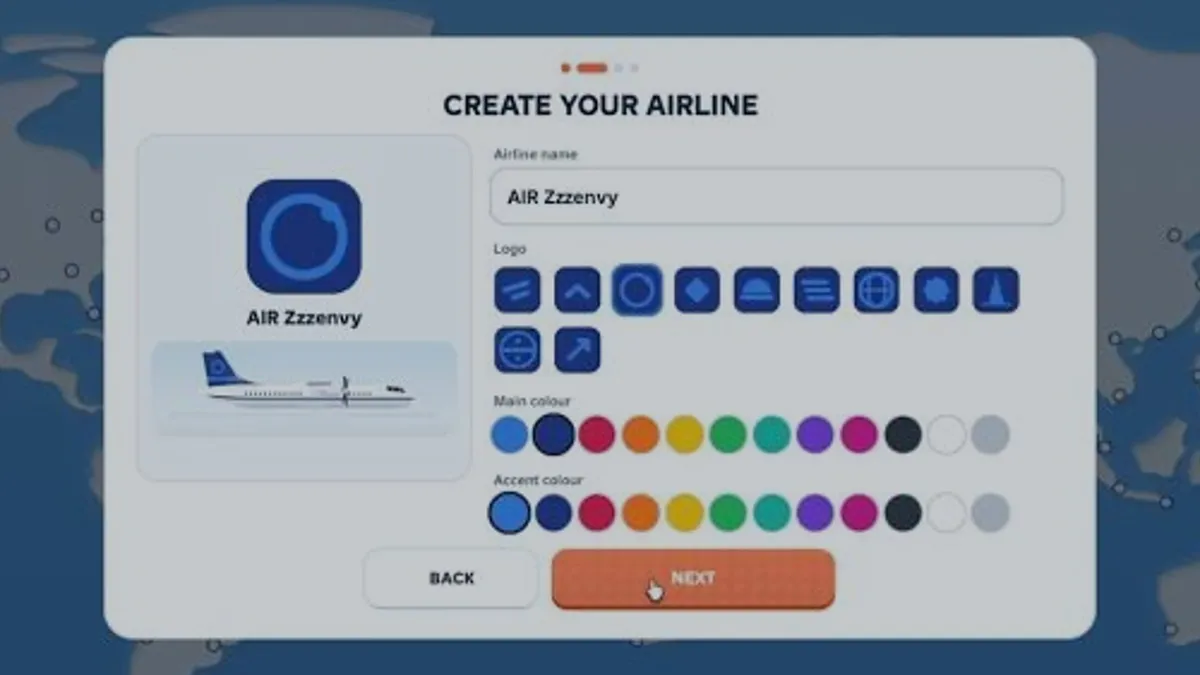
You begin by creating an airline — name, logo, main colour and accent colour — then pick a hub on the world map, put an aircraft on a route and complete one flight. A good first session ends with a route card you can read, not with a large fleet.
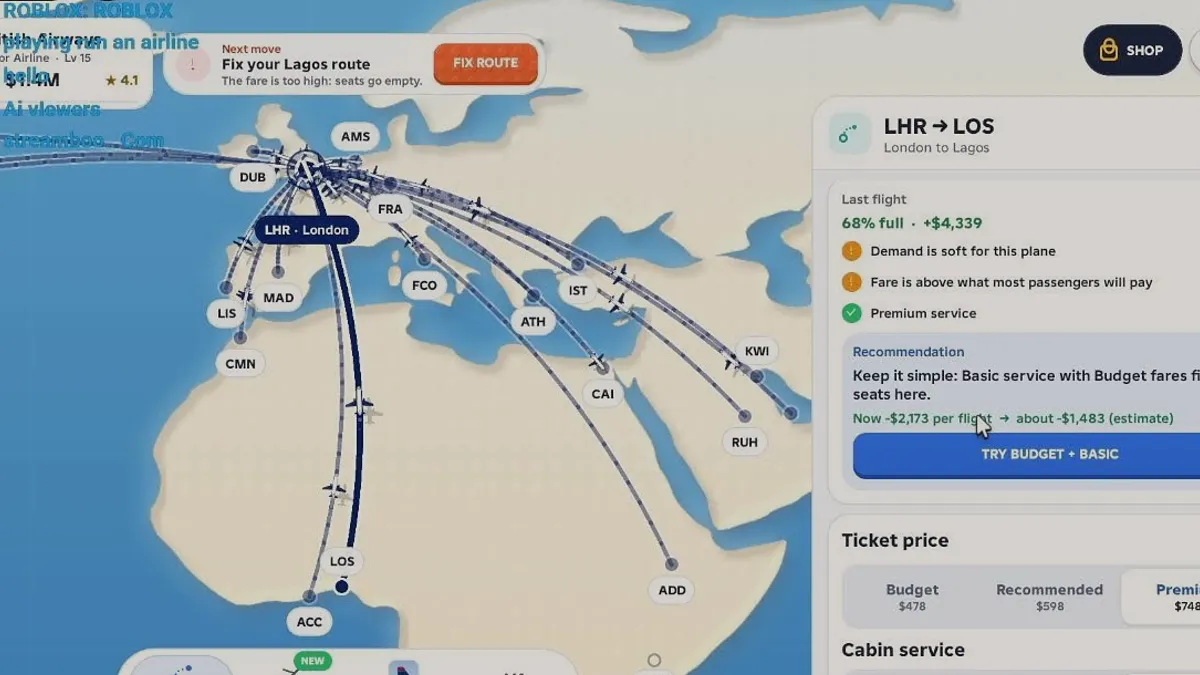
A flight's profit is the fare revenue from the passengers who actually boarded, minus the per-seat service cost and the aircraft's operating cost. The route card gives you the inputs; dividing the result by block time gives you the number that compares routes.
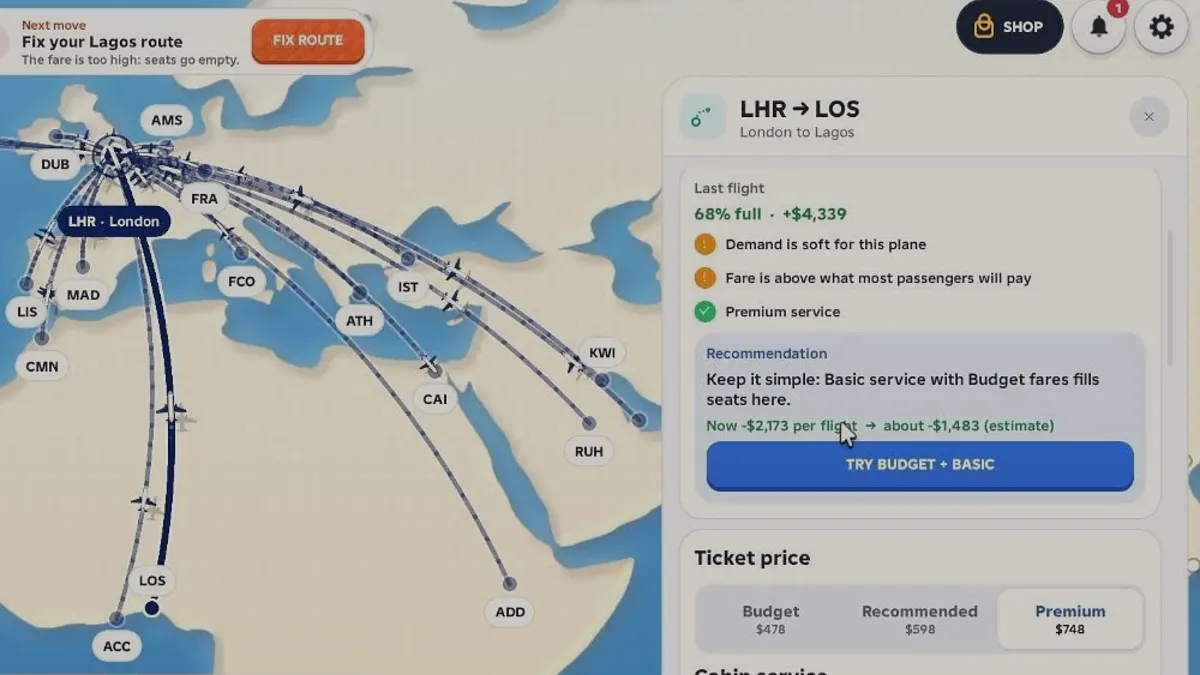
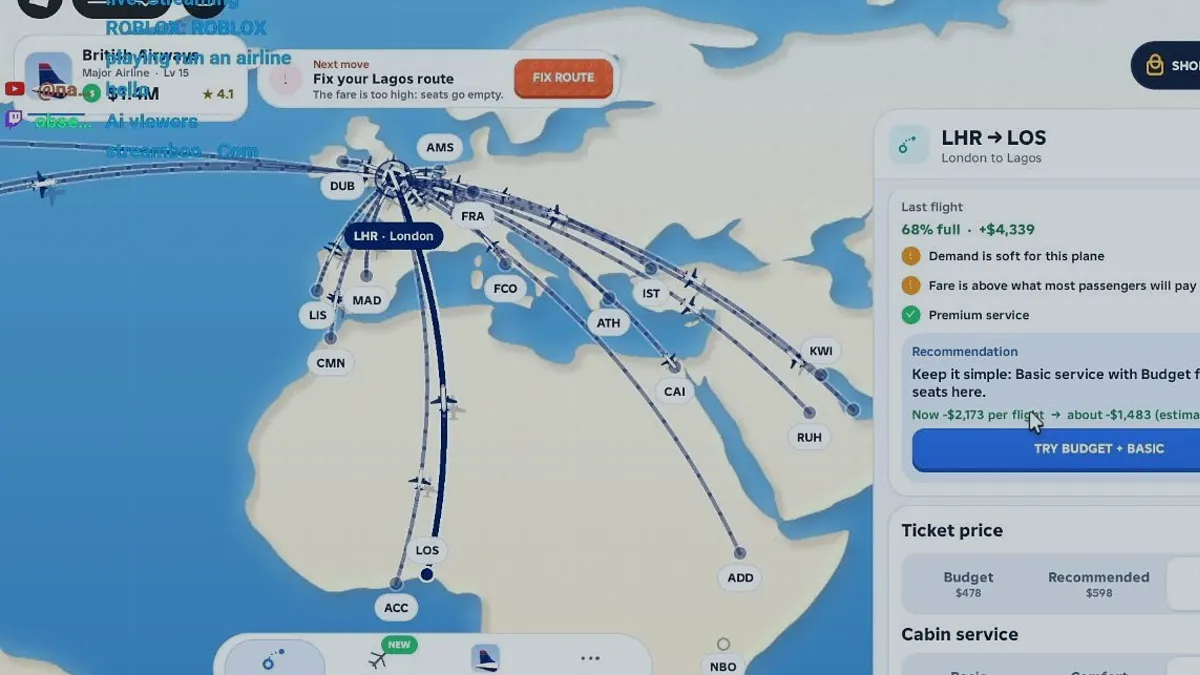
Every route offers three fare tiers, and the gap between them is your pricing room. On the reviewed London–Lagos route that gap was $270 per seat, from $478 budget to $748 premium, while the game still recommended moving down rather than up.
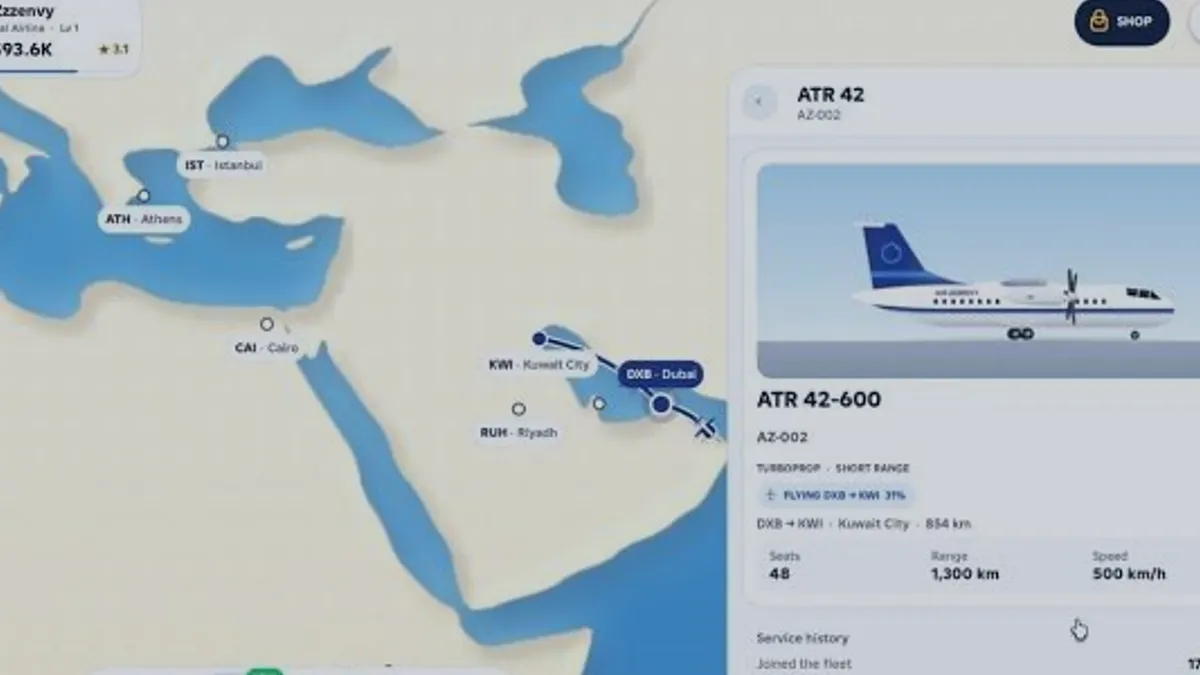
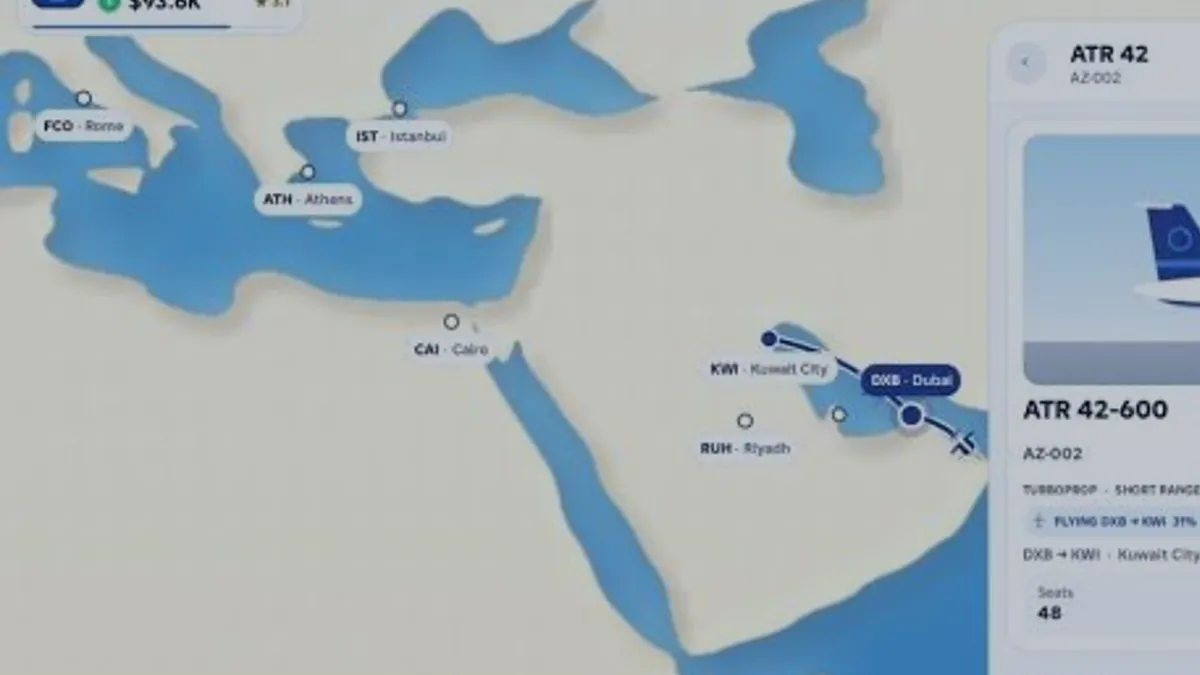
Every aircraft card lists three numbers that decide what it can do: seats set the revenue ceiling, range sets the routes it can legally fly, and speed feeds the quoted block time. Only the ATR 42-600 has published values here because it is the only panel shown in the reviewed session.
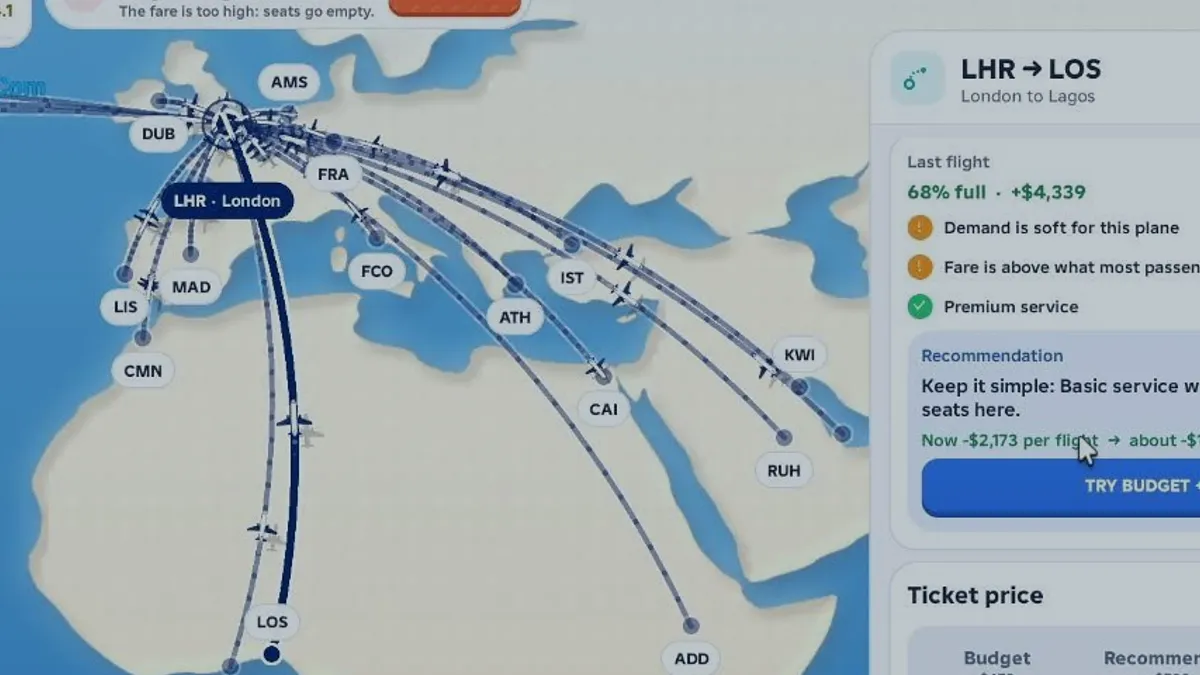
Load factor is the percentage of seats actually filled, and it is the fastest diagnostic on the route card. A low figure points to either a fare above willingness to pay or an aircraft that is too large for the route's demand.
2X Cash doubles the cash from profitable flights only, so it does nothing for a losing route. +50% Flight Speed makes flights finish 33% sooner, which raises cycles per session by 1.5× rather than doubling them.
The airline card shows a level, a tier label and a star rating, and the reviewed sessions show the rating moving independently of the level: level 3 with 5.6 stars, level 5 with 5.1 and level 15 with 4.1. Neither formula is published.
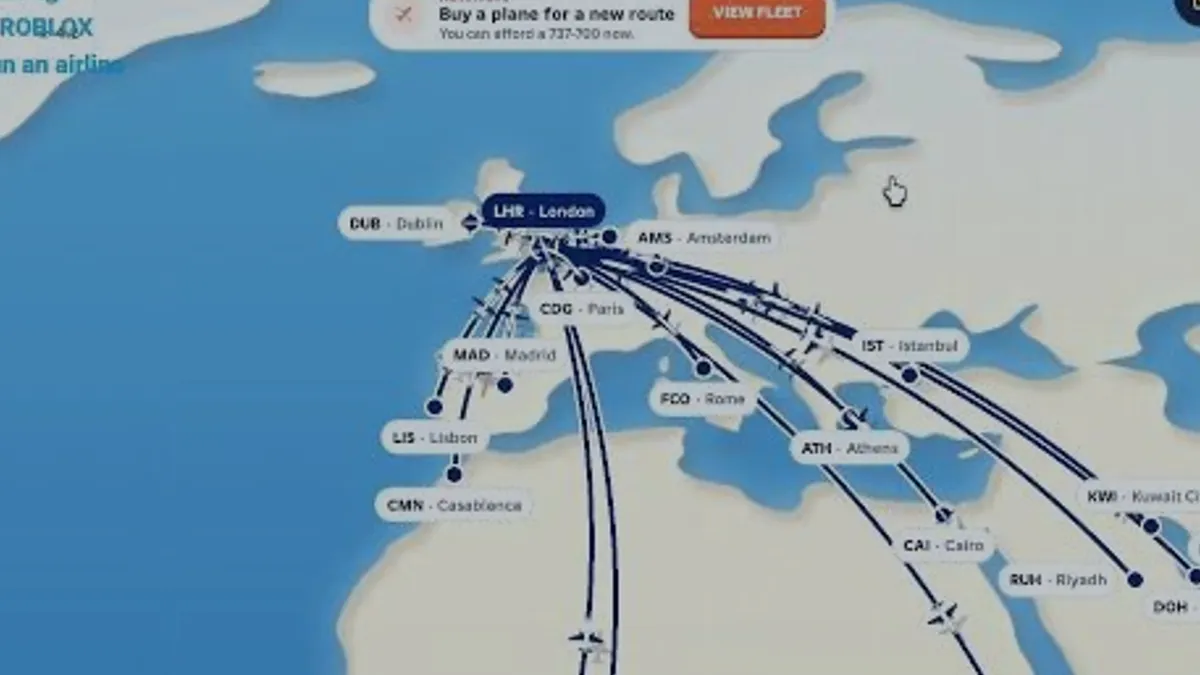
The most expensive mistakes in Run an Airline are all decisions made before reading the route card: buying capacity before demand, setting a premium fare on a thin route, and changing two settings at once. Each one has a visible warning the game already shows you.
The loop, the route plan, the fleet plan and the cash reserve. Together these four pages cover a full session from opening the game to deciding what to buy next.
Run an Airline is a loop of five screens: create the airline, choose a hub, buy or assign aircraft, open a route with a fare and service level, then read the result and reinvest. Understanding the loop matters more than any single aircraft.
Plan routes by matching three numbers — sector distance, aircraft range and quoted block time — before looking at fares. A route is only worth pricing once the aircraft can reach it and repeat it inside your session.
Fleet size should follow filled routes, not the other way round. Add an aircraft when every existing route is already covered and a new destination inside range is waiting; buying first usually produces two half-empty cabins instead of one full one.
Keep enough cash to run your worst route twice at a loss before you buy anything. A reserve turns a bad fare experiment into information; no reserve turns it into a stalled airline that cannot afford the fix.
Do not build a network on day one. Create the airline, pick a hub with short neighbours, check that your aircraft can reach one of them, and finish a single flight so the route card has something to tell you.
First-session goalOne legal route, one completed flight, and one written baseline of fare, service, load factor and cash.
For a player who has just opened the game.
A card with the name, level, cash and star rating sits in the top-left corner.
For a player choosing where the network starts.
At least two nearby airports are visible on the map.
For a player about to commit the first aircraft.
Sector distance is below the aircraft's range.
For a player with one live route.
The route has a recorded fare, service, load factor and cash result.
Change the fare or the service, never both. A result you cannot attribute is not information.
Open the beginner guideIncludes the four screens you will use and a first-session checklist.Every figure on this site falls into one of three buckets: published by the developer, visible in a public recording of this exact game, or still unknown. The unknown list is deliberate and is not filled with estimates.
Read the full data status pageIdentity, feature list and store wording come from the Roblox experience page and its public API records.
Seats, range, fares and service prices come from panels visible in public recordings of this exact game.
Derived figures such as approval rate and 33% time saving are computed from the two sources above.
Prices, thresholds and formulas that were never shown are listed as unpublished instead of estimated.
Grades describe how quickly an option produces a result you can measure. They are not a claim about maximum long-run earnings, which would need prices the game does not publish.
Only works if the route still has demand at a lower price.
Check range and block time first; a distant city may not be reachable.
Do not buy while any route is still cash negative.
Without a named destination beyond current range, the purchase has no job.
S is a change you can make and undo in one flight. C is a commitment that locks cash for many cycles. Nothing here is ranked by how much it costs.
Route archetypes rather than city pairs. Each card states what to verify, the action worth taking and the rule that decides whether to keep the route.
A sector short enough for a turboprop to fly several times per session. The reviewed ATR 42-600 flew 854 km in a quoted 3 hours, which is the shape of this route.
Distance, quoted block time and seats on your aircraft card
Run it twice at the same fare before changing anything
Keep it if it fills without discounting
The band where fare tiers start to matter: the reviewed London–Lagos card showed a $270 gap between budget and premium fares on one sector.
Budget, recommended and premium fares shown on the route card
Test the recommended fare before assuming premium pays
Drop a tier when the load factor falls below your target
Beyond the range of a short-range turboprop, so it needs a jet and a much longer block time. Every hour locked in one sector is an hour not flying a feeder.
Range on the aircraft card against the sector distance
Compare cash per hour, not cash per flight
Fly it only if the hourly return beats your feeder pair
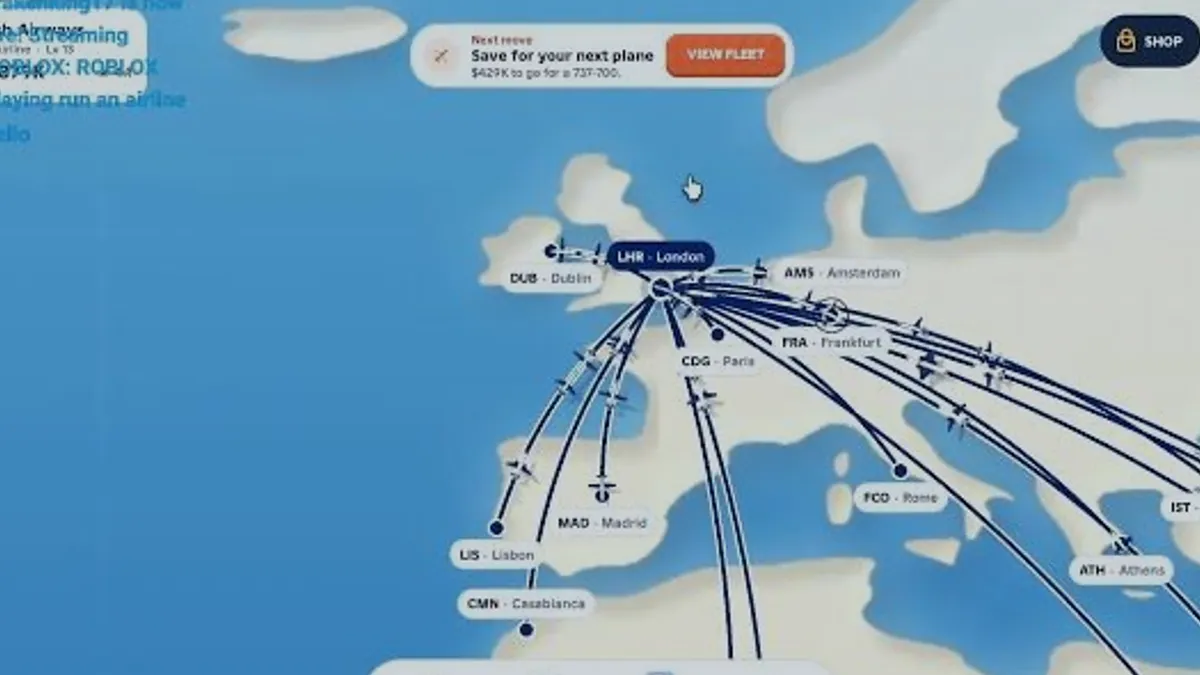
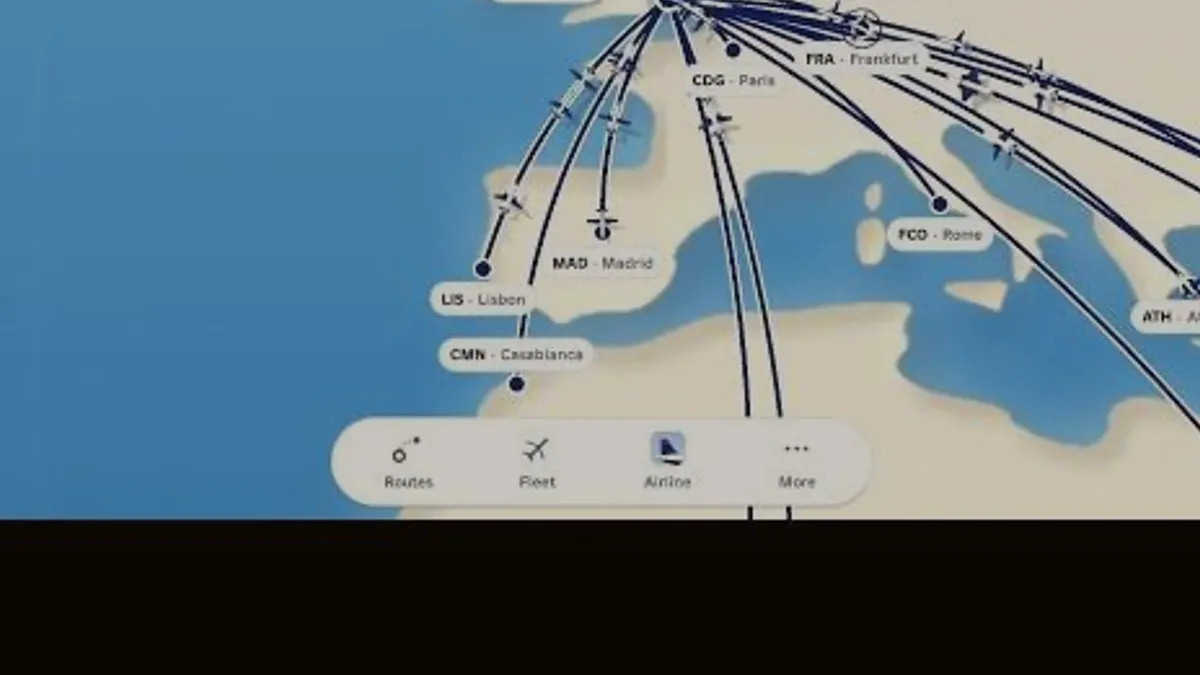
Several departures leaving one hub close together so arrivals feed the next bank of departures. The map view is built around this pattern: one hub badge with many route lines.
How many route lines already leave your hub
Add one destination that shares the same aircraft
Stop adding routes when cash per flight stops rising
A route the game itself flags. The reviewed card showed a red 'Fix your Lagos route' warning because the fare was above what most passengers would pay.
The per-flight figure on the route card and the warning text
Cut service to basic and move to the budget fare first
Close it if two fare cuts still leave it negative
Only the ATR 42-600 has published specifications here, because it is the only detail panel visible in the reviewed recording. The other types are named in game with their numbers marked unknown.
Filter by type, then read the verify-first column before trusting any figure.
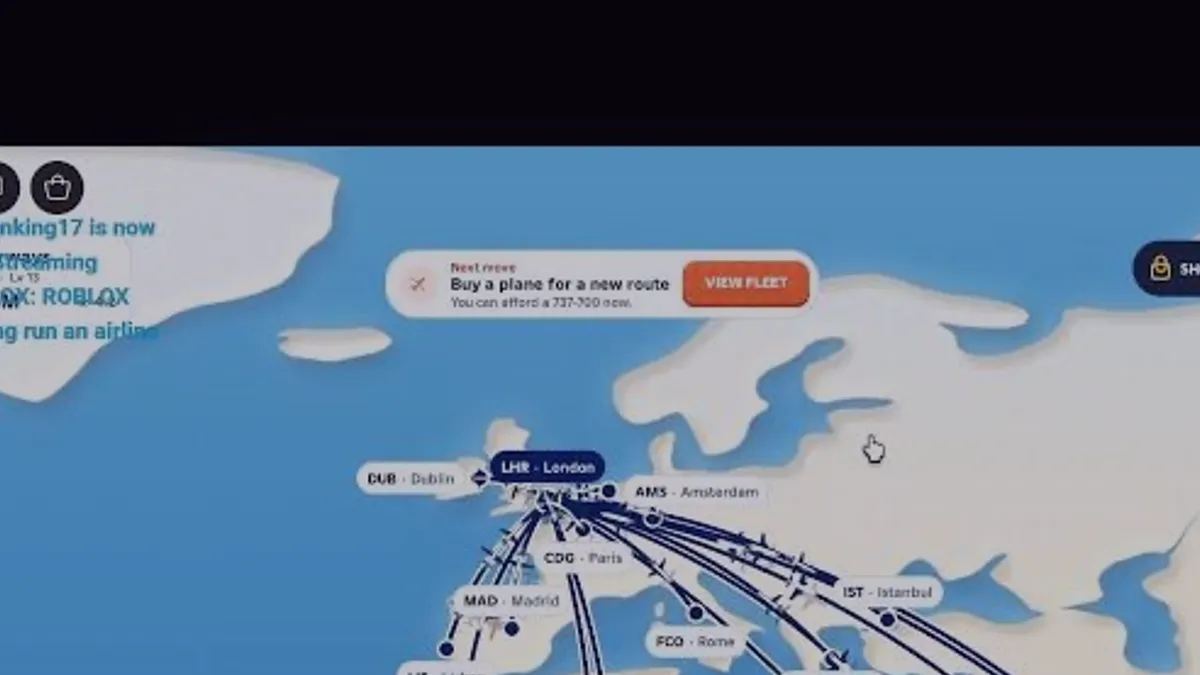
| Boeing 737-700 | The hint quotes cash still needed, not the price | Buy only when two routes can feed the aircraft |
|---|---|---|
| Concorde | No published seats, range, speed or in-game price | Treat it as a preference purchase, not a measured upgrade |
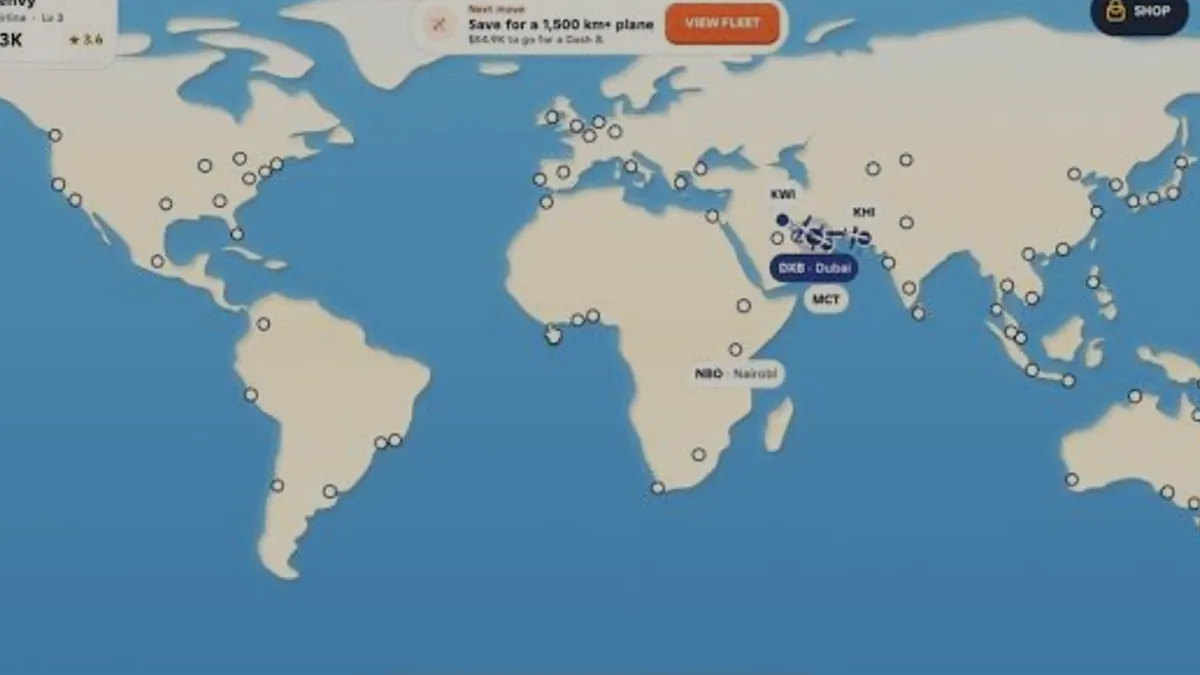
| Dash 8 | Seat count, range and price are not published | Open the fleet card and read the cash gap before saving |
| ATR 42-600 | Seats 48 · range 1,300 km · 500 km/h (panel text) | Fill one short sector before buying a larger type |
Three checks decide whether capacity is the constraint. If any of them fails, the cheaper move is a fare change or a new route on the aircraft you already own.
If any route sits below your target load factor, the aircraft is not the bottleneck.
A new aircraft multiplies a loss as reliably as it multiplies a profit.
A purchase needs a named destination outside your current range or seat count.
Every current route is at or above target load.
Each route is cash positive after service cost.
A specific out-of-range or over-demand route is waiting.
At least one route is under-filled.
A route is still negative after a fare cut.
The purchase would leave no reserve.
Capacity only pays when demand already exceeds the seats you own.
Match the symptom to the cause before changing anything. Each problem below has one cheap test and one observable success signal.
The route card reports a low load factor, often alongside a fare warning.
Possible causeEither the fare is above willingness to pay or the aircraft is much larger than the route's demand.
Passengers are boarding but the per-flight cash figure stays below zero.
Possible causeService cost per seat and the aircraft's operating cost exceed the fare revenue.
Cash per flight looks strong, yet the aircraft is busy for hours.
Possible causeLong sectors lock the aircraft, so fewer cycles fit into the same session.
A cycle ends with three observable results: the route is legal for the aircraft, the flight completes, and the card gives you one number you can compare next time.
Planning is a filter, not a guess: range first, block time second, fare third.
Open the destination and note kilometres.
The ATR 42-600 is rated at 1,300 km.
854 km quoted as 3 hours in the reviewed session.
The route is inside range and has a block time you can wait out.
Start from the recommended fare and the default service, then change one thing at a time.
Load factor and per-flight cash are now readable for this setting.
The card names the problem. Change the setting it names, re-run, then keep the better result.
The result improved against the previous run.
The result fell or the load factor did not move.
Fare and service are separate levers; changing both hides which one worked.
A cycle is complete when the next run can be judged against this one.
Two public recordings exist for this experience at the time of review. Both are first-session playthroughs; neither is a scripted tutorial, and neither should be treated as a current price list.
You run an airline: choose a hub, buy aircraft, open routes between cities and manage fares, cabin service and demand so each flight earns more than it costs. Cash from completed flights pays for the next aircraft or route.
No. RunAnAirline.wiki is an independent fan-made guide. The official Roblox experience page is the authority for the game, purchases and announcements.
Because the game never shows a sticker price in the reviewed screens: the map hint quotes only the cash still needed for the next aircraft. A price that was never displayed is marked unpublished rather than estimated.
The price is not published. Its verified specifications are 48 seats, 1,300 km of range and 500 km/h, read from the fleet panel in a public recording.
No. The store states it doubles cash from profitable flights, so a negative route stays negative. Repair the fare and service first, then the pass multiplies a positive result.
Two, with exactly one setting changed between them. A single flight cannot separate a bad fare from a bad demand day.